Appearance
Point Operation Nodes
Point Operation nodes transform, compute, or reorganize point data without filtering. They may modify positions, rotations, scales, density, or metadata attributes of each point.
All nodes in this category share the amber/gold node color and belong to the Point Operations category.
Bounds Modifier
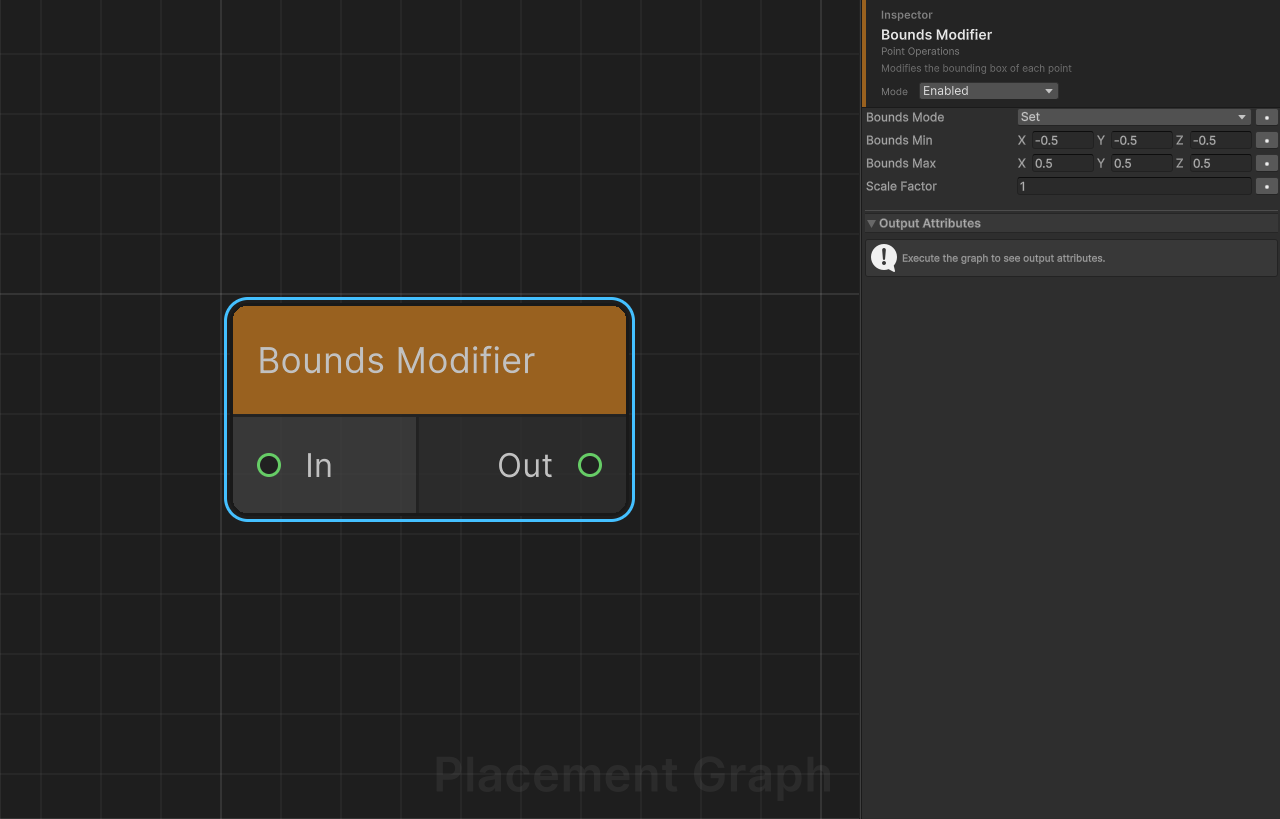
Description: Modifies the per-point bounding box (boundsMin / boundsMax). Three modes let you replace, scale, or expand the existing bounds. Bounds are used by spatial nodes such as Difference, Intersection, and Self Pruning.
Ports
| Name | Direction | Type | Notes |
|---|---|---|---|
| In | Input | Point | Points whose bounds are to be modified. |
| Out | Output | Point | Points with updated bounds. |
Settings
| Field | Type | Default | Description |
|---|---|---|---|
boundsMode | Mode | Set | Set: replaces bounds with boundsMin/boundsMax exactly. Scale: multiplies existing bounds by scaleFactor. Expand: adds boundsMin/boundsMax offsets to the existing bounds (expand with positive values, shrink with negative). |
boundsMin | Vector3 | (-0.5, -0.5, -0.5) | Minimum corner offset. Used in Set (absolute) and Expand (additive) modes. |
boundsMax | Vector3 | (0.5, 0.5, 0.5) | Maximum corner offset. Used in Set (absolute) and Expand (additive) modes. |
scaleFactor | float | 1.0 | Uniform multiplier applied to existing boundsMin and boundsMax in Scale mode. |
Notes
- Bounds are stored in the point's local space (relative to the point transform, not world space).
- Placing this node before Self Pruning lets you control the effective exclusion radius for overlap-based pruning.
- Expand with equal negative values on min and max shrinks bounds toward zero.
Copy Points
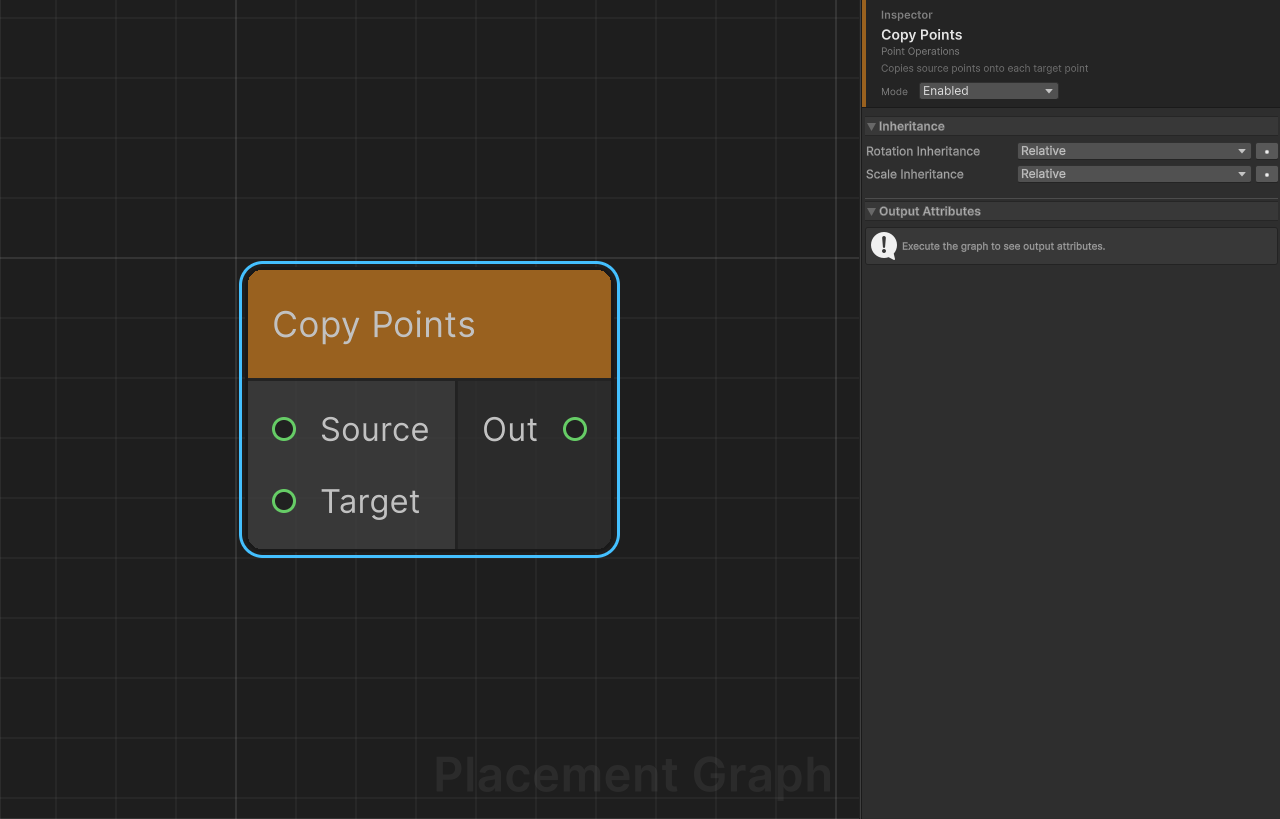
Description: Stamps the Source point pattern onto every Target point, producing one copy of the source layout per target. The result is the Cartesian product of source and target points. Analogous to Houdini's "Copy to Points" node.
Ports
| Name | Direction | Type | Notes |
|---|---|---|---|
| Source | Input | Point | The template point set that is copied. |
| Target | Input | Point | Each point in this set receives a full copy of Source. |
| Out | Output | Point | All stamped copies combined in a single output. |
Settings
| Field | Type | Default | Description |
|---|---|---|---|
rotationInheritance | InheritMode | Relative | How the final rotation is derived. Relative: targetRotation × sourceRotation (combined). Source: only source rotation. Target: only target rotation. |
scaleInheritance | InheritMode | Relative | How the final scale is derived. Relative: targetScale × sourceScale (component-wise product). Source: only source scale. Target: only target scale. |
Notes
- Position is always computed in Relative mode: the source offset is transformed by the target rotation and scale, then added to the target position. This setting cannot be changed.
- Output density is
min(sourceDensity, targetDensity)per point. - Output metadata is cloned from the first Source input.
- If either Source or Target is empty, the output is empty.
Distance
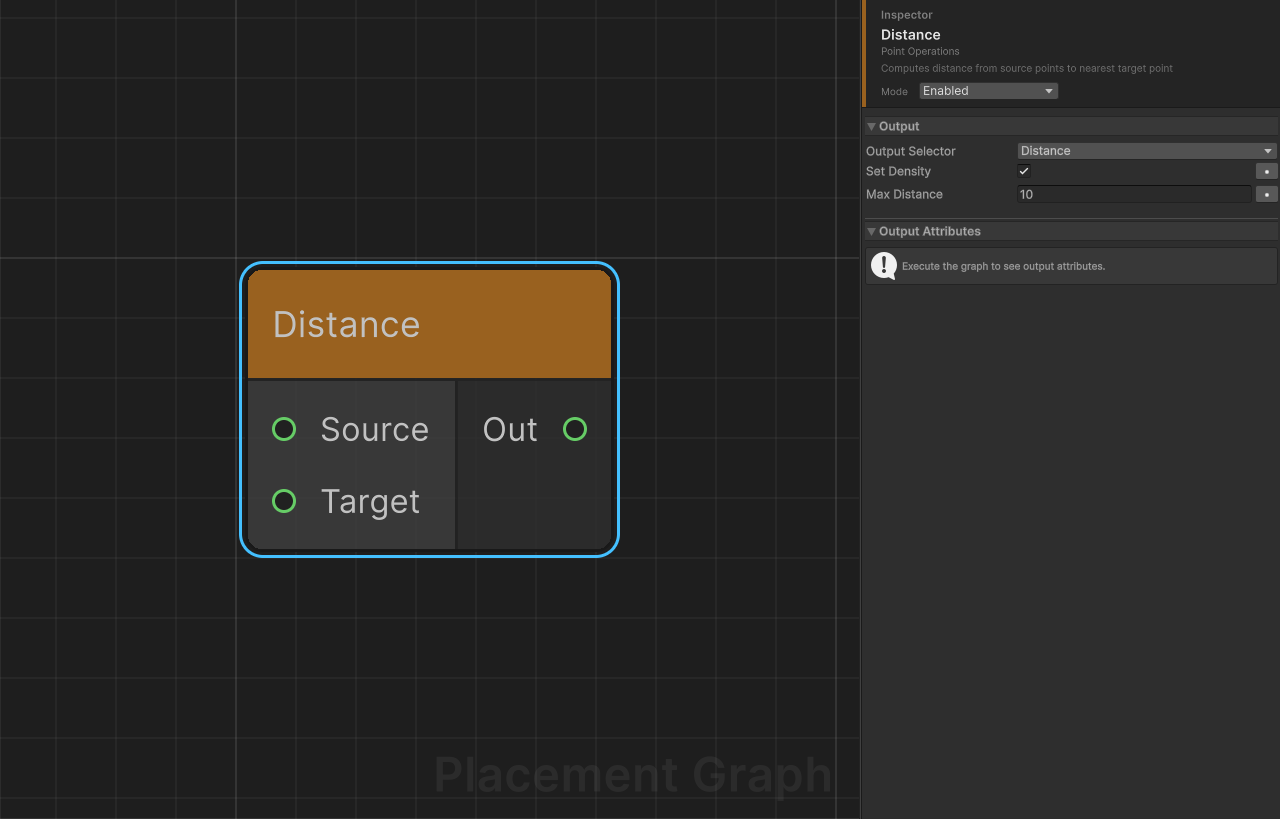
Description: Computes the 3D distance from each Source point to the nearest Target point. Writes the result to a metadata attribute and optionally maps it to density.
Ports
| Name | Direction | Type | Notes |
|---|---|---|---|
| Source | Input | Point | Points to measure from. |
| Target | Input | Point | Reference points to measure distance to. |
| Out | Output | Point | Source points with distance written as an attribute. |
Provided Attributes
When outputSelector is set to a custom attribute, this node declares it as a Float attribute to downstream nodes.
| Attribute | Type | Description |
|---|---|---|
| (custom name) | Float | Raw distance in world units to the nearest target point. |
Settings
| Field | Type | Default | Description |
|---|---|---|---|
outputSelector | PPGAttributeSelector (Write) | "Distance" | The metadata attribute (or built-in point property) to write the distance into. |
setDensity | bool | true | If enabled, also sets density = 1 - saturate(distance / maxDistance). Points at or beyond maxDistance get density = 0; points at distance 0 get density = 1. |
maxDistance | float | 10.0 | Normalization distance used when setDensity is true. Clamped to a minimum of 0.0001 internally. |
Notes
- This node uses a Burst-compiled parallel job (
O(N × M)brute-force nearest search). - If Target is empty, the output is empty.
- Pair with Filter by Attribute or Filter by Density to select points within a proximity band.
Lloyd Relaxation
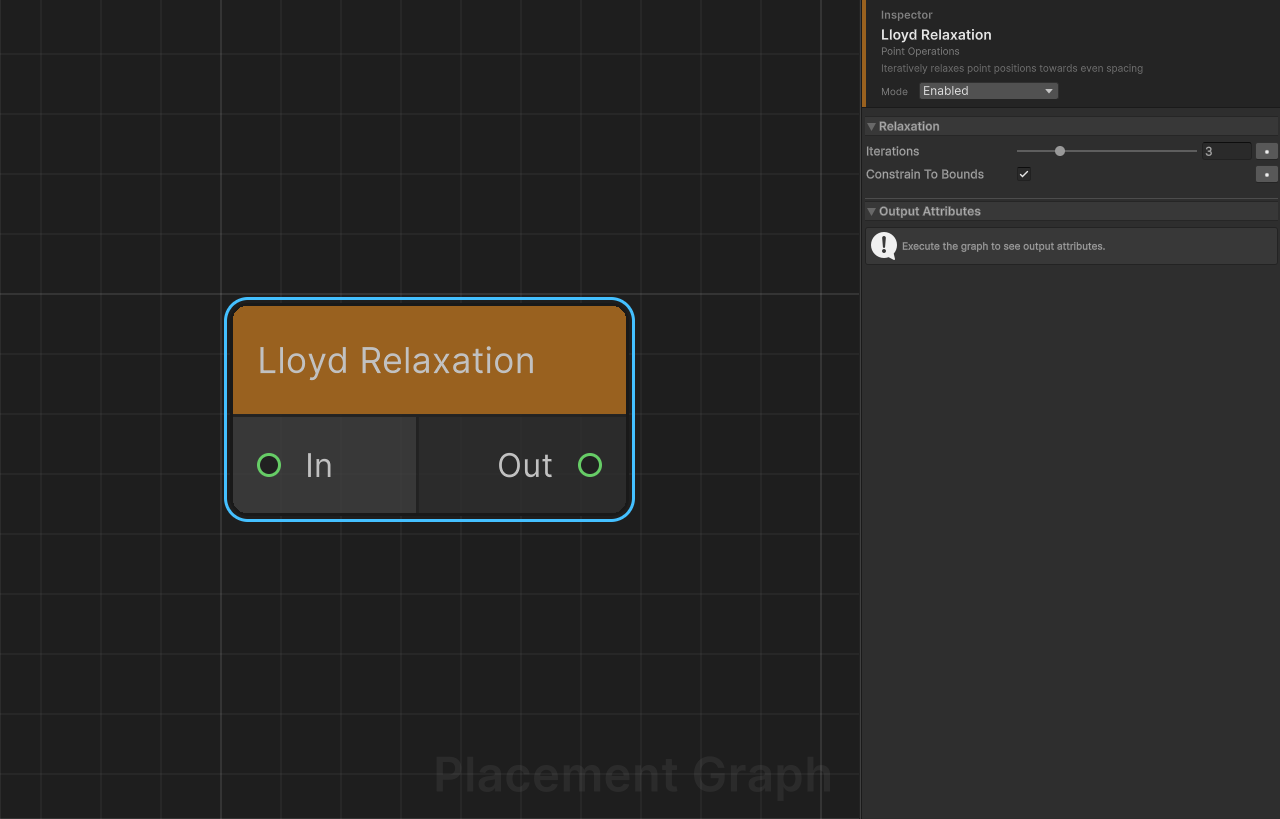
Description: Iteratively relaxes point positions toward uniform spacing using Lloyd's algorithm. On each iteration, each point moves a fraction of the way toward the centroid of its K=6 nearest neighbors.
Ports
| Name | Direction | Type | Notes |
|---|---|---|---|
| In | Input | Point | Points to relax. |
| Out | Output | Point | Relaxed points (positions updated, all other data preserved). |
Settings
| Field | Type | Default | Description |
|---|---|---|---|
iterations | int [1..10] | 3 | Number of relaxation passes. More iterations produce more uniform spacing at increased cost. |
constrainToBounds | bool | true | If enabled, points are clamped to the axis-aligned bounding box of the original input after each iteration, preventing drift outside the original region. |
Notes
- The relaxation factor is 0.5 (each point moves half-way to the centroid), which is a fixed internal constant.
- All inputs are flattened into a single point list before relaxation; the output is a single merged
PPGPointData. - Uses a Burst-compiled parallel job per iteration. Each iteration is sequential; the job for iteration N must complete before N+1 begins.
- If the input has 1 or fewer points, the output is returned unchanged.
- This node is useful after random scatter to reduce clumping without fully regularizing to a grid.
Look At
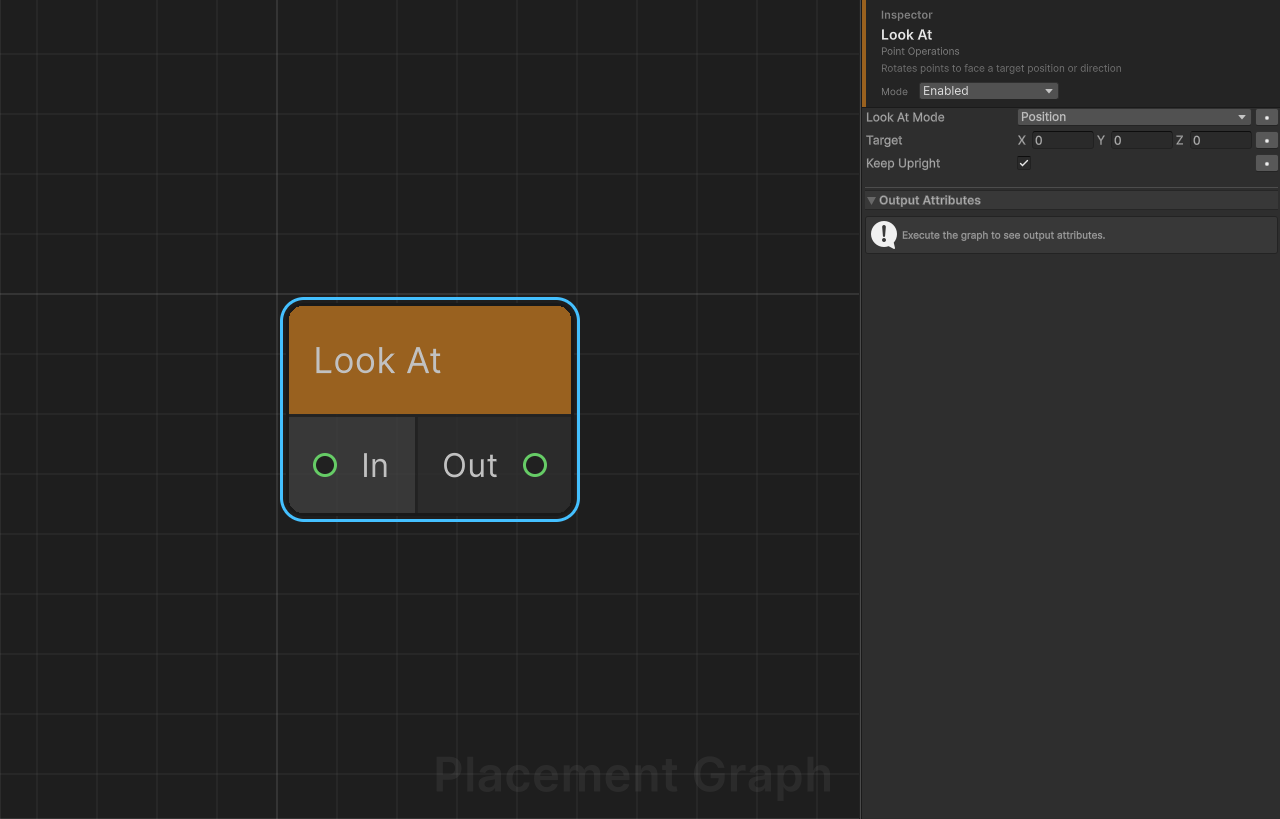
Description: Rotates each point so that its forward axis (Z+) faces either a fixed world-space position or a direction vector.
Ports
| Name | Direction | Type | Notes |
|---|---|---|---|
| In | Input | Point | Points to rotate. |
| Out | Output | Point | Points with updated rotation. Position and scale are preserved. |
Settings
| Field | Type | Default | Description |
|---|---|---|---|
lookAtMode | Mode | Position | Position: each point rotates to face the target world position. Direction: all points rotate to align their forward axis with the target vector. |
target | Vector3 | (0, 0, 0) | Target world position (Position mode) or look direction (Direction mode). |
keepUpright | bool | true | If true, uses (0, 1, 0) as the up vector for LookRotationSafe. If false, the point's existing up vector is preserved when computing the look rotation. |
Notes
- Points whose computed direction vector has length <
0.0001(e.g. a point sitting exactly on the target position) are passed through without rotation change. - Scale is extracted from the existing transform and reapplied after the rotation is rebuilt.
- In Direction mode,
targetis treated as a direction vector and does not need to be normalized — but a zero vector causes the point to be skipped.
Merge
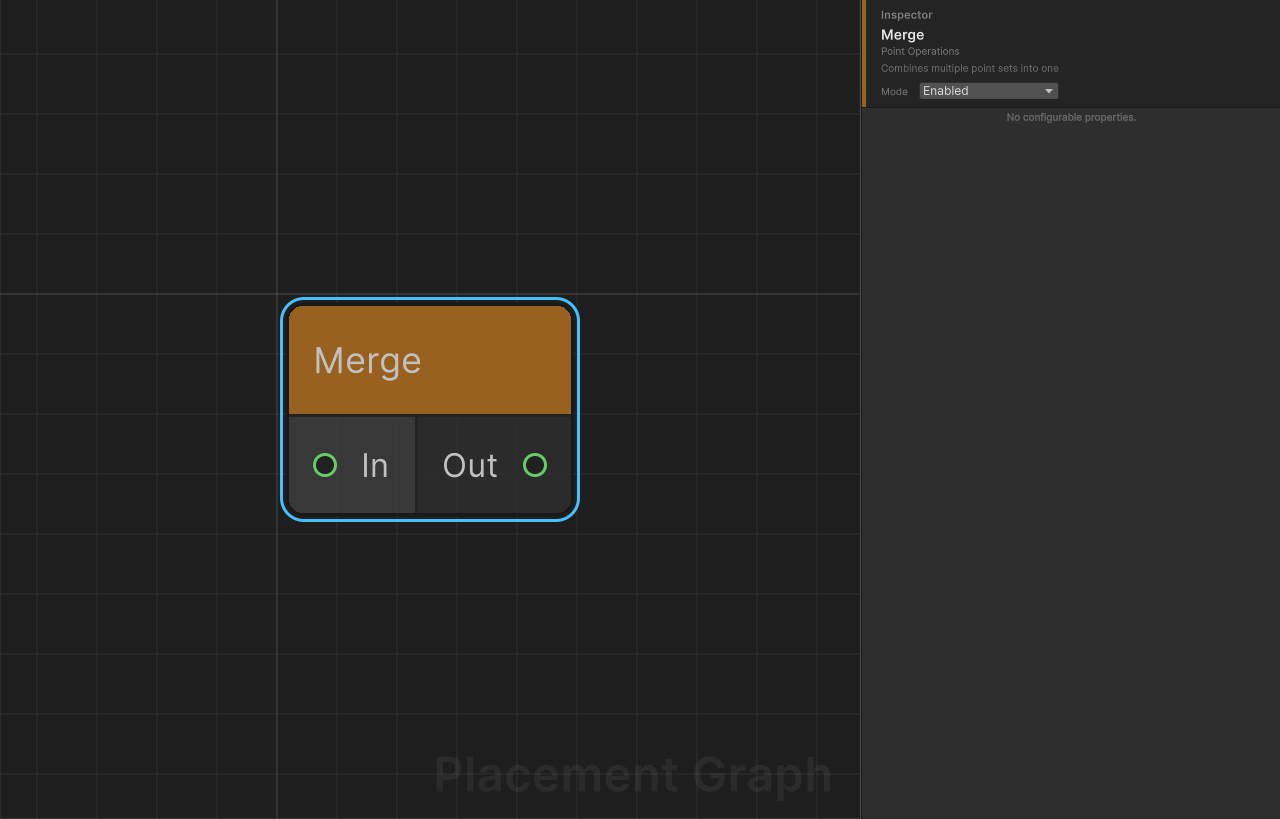
Description: Combines all connected input point sets into a single output without any filtering or deduplication. The simplest way to concatenate point streams.
Ports
| Name | Direction | Type | Notes |
|---|---|---|---|
| In | Input | Point | One or more point sets. Accepts multiple connections. |
| Out | Output | Point | All input points concatenated in connection order. |
Settings
No configurable settings.
Notes
- Output metadata is cloned from the first connected input.
- Point order in the output matches the connection order of the In port.
- If you need spatial deduplication, use Union instead.
Nearest Seed Assign
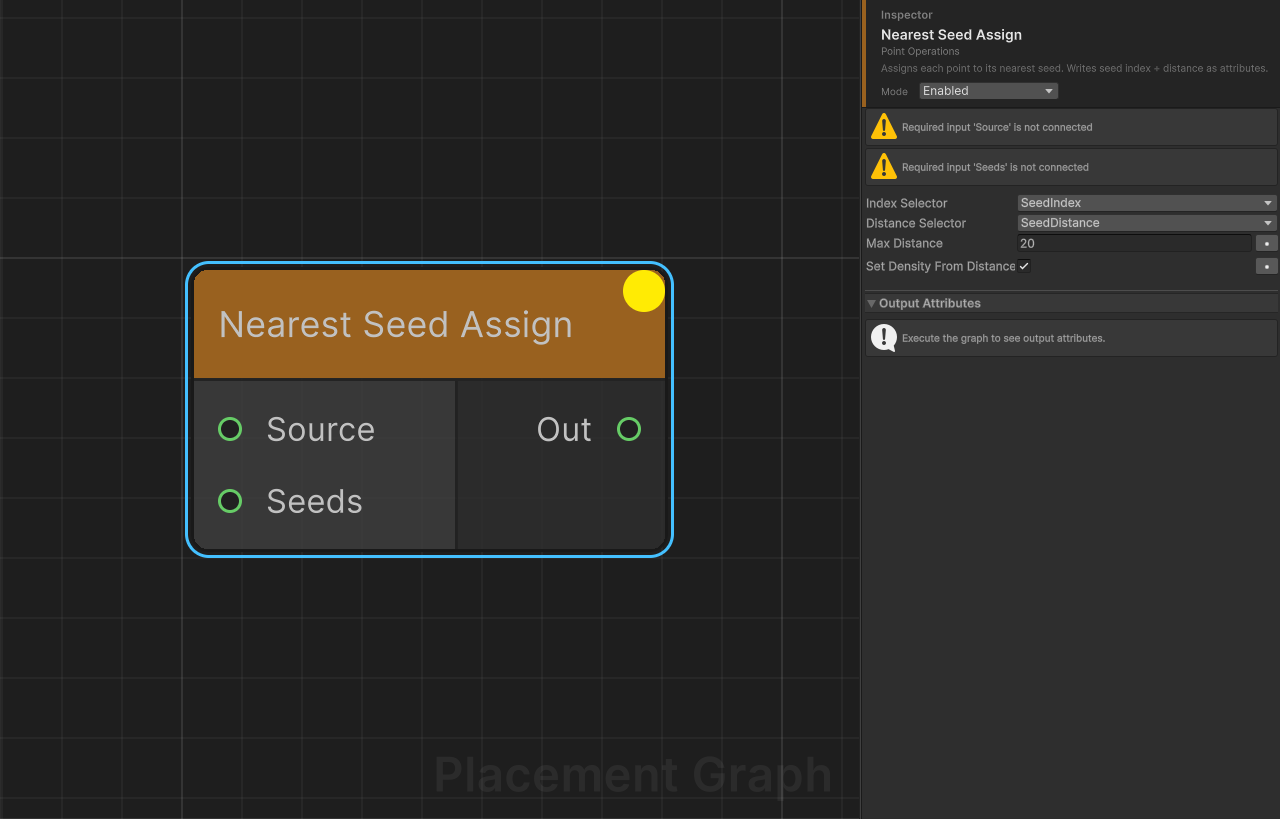
Description: Assigns each source point to its nearest seed point (Voronoi cell assignment). Writes the seed index and distance as metadata attributes, enabling downstream zone splitting with Filter by Attribute.
Ports
| Name | Direction | Type | Notes |
|---|---|---|---|
| Source | Input | Point | Required. Points to assign. |
| Seeds | Input | Point | Required. The seed points that define the Voronoi cells. |
| Out | Output | Point | Source points with seed index and distance attributes written. |
Provided Attributes
Both attributes are declared on the output so downstream selectors can discover them.
| Attribute | Type | Default Name | Description |
|---|---|---|---|
| Index attribute | Int | "SeedIndex" | Zero-based index of the nearest seed point. |
| Distance attribute | Float | "SeedDistance" | World-space distance to the nearest seed. |
Settings
| Field | Type | Default | Description |
|---|---|---|---|
indexSelector | PPGAttributeSelector (Write) | "SeedIndex" | Attribute to write the nearest seed index into. |
distanceSelector | PPGAttributeSelector (Write) | "SeedDistance" | Attribute to write the distance to the nearest seed into. |
maxDistance | float | 20.0 | Points farther than this from every seed are discarded from the output. Clamped to a minimum of 0.001 internally. |
setDensityFromDistance | bool | true | If enabled, sets density = 1 - saturate(distance / maxDistance). |
Notes
- Search is a brute-force
O(N × M)loop. For large point and seed counts, consider limiting scope with filter nodes first. - To split points by zone, connect Out to a Filter by Attribute node, set the attribute to
SeedIndex, and useEqual/NotEqualcomparisons for each zone index. - Output metadata starts empty; attribute columns are created fresh for each execution.
Project to Surface
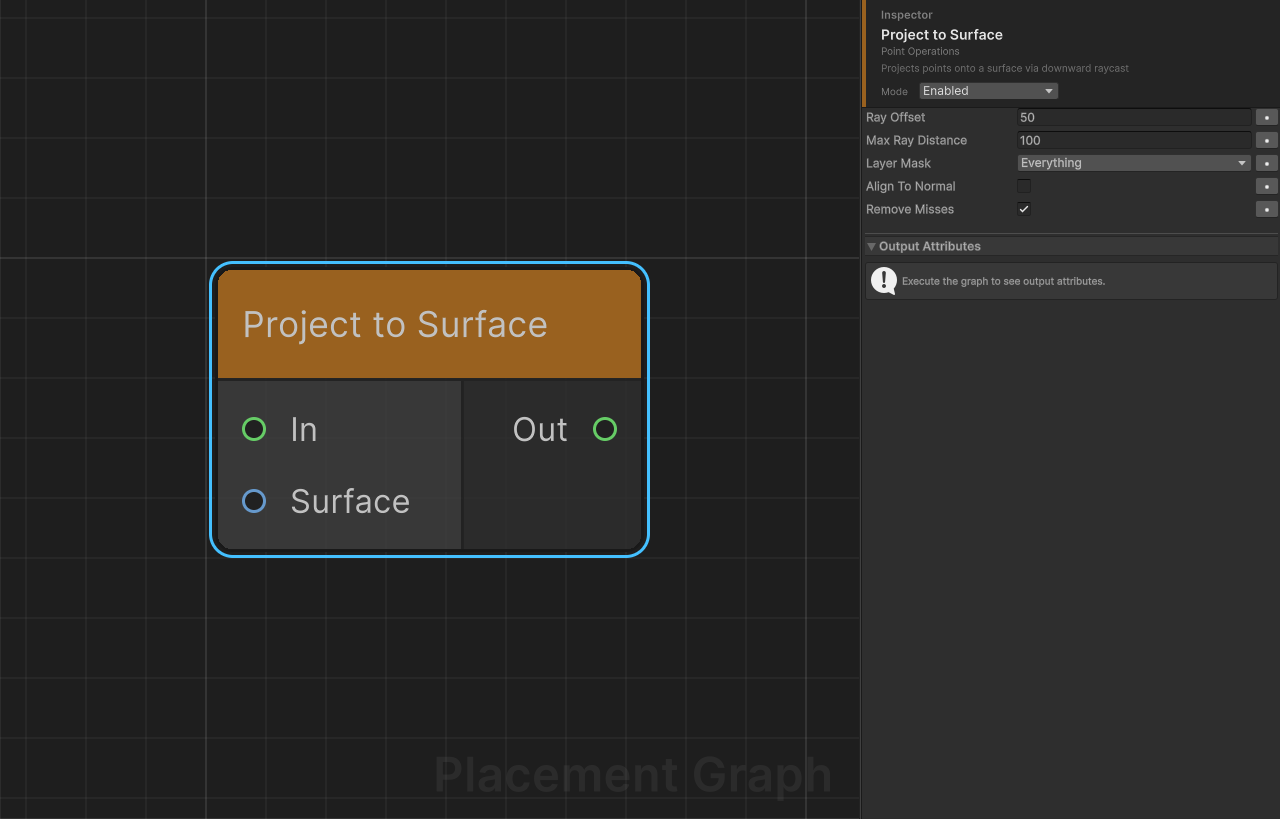
Description: Projects each point onto a physical surface by casting a ray downward from above the point. Updates the Y position to the hit point and optionally aligns the point's rotation to the surface normal.
Ports
| Name | Direction | Type | Notes |
|---|---|---|---|
| In | Input | Point | Points to project. |
| Surface | Input | Surface · Terrain | Optional. If connected, raycasts only against these specific colliders. If disconnected, uses layerMask against all scene colliders. |
| Out | Output | Point | Projected points (misses removed by default). |
Settings
| Field | Type | Default | Description |
|---|---|---|---|
rayOffset | float | 50.0 | Height (in world units) above each point from which the ray originates. Increase this if your terrain has high elevation variation. |
maxRayDistance | float | 100.0 | Maximum ray length. Rays that travel this distance without a hit are considered misses. |
layerMask | LayerMask | Everything (~0) | Physics layers to include when no Surface input is connected. |
alignToNormal | bool | false | If true, re-orients the point so its Y-axis aligns with the surface normal, keeping the existing forward direction projected onto the surface plane. |
removeMisses | bool | true | If true, points that do not hit any surface are removed from the output. If false, miss points are passed through at their original position. |
Notes
- All point positions are converted local → world for raycasting, then world → local for output. This is necessary because the graph operates in the component's local space.
- In Edit Mode,
Physics.SyncTransforms()is called automatically so colliders match their current GameObject transforms. - When
alignToNormalis enabled, the existing forward direction is projected onto the hit-normal plane to avoid sudden spin artifacts. If the forward vector is nearly collinear with the normal, a fallback direction ((0,0,1)or(1,0,0)) is used. steepnessis automatically written to each projected point as1 - dot(normal, up).- For rough terrain where a single raycast hit would leave the point tilted by local bumps, chain
Project to Surface → Surface Fit Align— the latter stabilises rotation using a disk of samples while keeping position intact.
Surface Fit Align
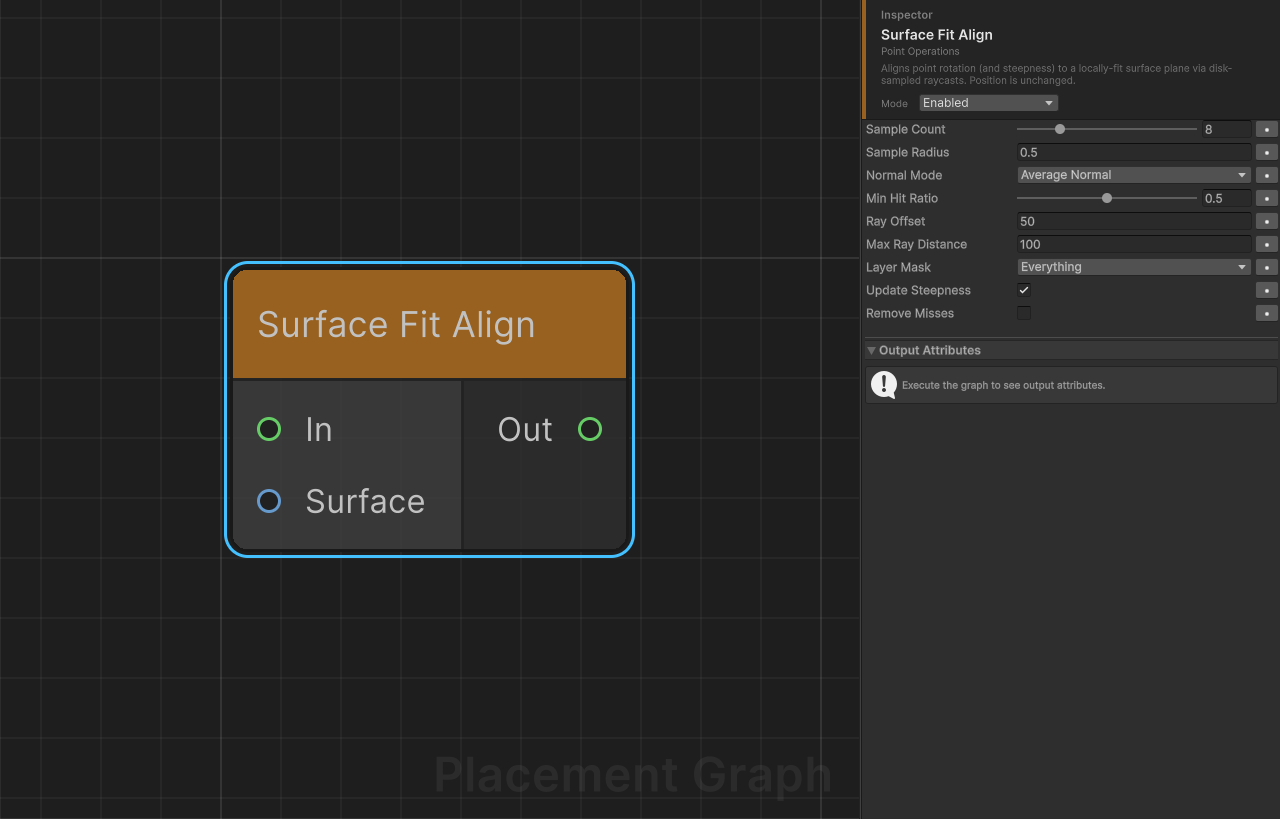
Description: Aligns each point's rotation (and optionally steepness) to a locally-fit surface plane sampled in a disk around the point. Intended to be chained after Project to Surface on rough terrain: position is never modified by this node — it only smooths orientation by averaging surface behaviour across the disk.
Ports
| Name | Direction | Type | Notes |
|---|---|---|---|
| In | Input | Point | Points whose rotation should be re-aligned. Position is unchanged. |
| Surface | Input | Surface · Terrain | Optional. If connected, raycasts only against these specific colliders. If disconnected, uses layerMask against all scene colliders. |
| Out | Output | Point | Re-aligned points. |
Settings
| Field | Type | Default | Description |
|---|---|---|---|
sampleCount | int [1..32] | 8 | Number of raycasts per point. One sample is always at the centre; the rest are distributed on a Fermat spiral within the disk. |
sampleRadius | float | 0.5 | World-space radius of the sampling disk around each point. |
normalMode | SurfaceFitNormalMode | AverageNormal | How the fitted normal is estimated from the disk samples. See below. |
minHitRatio | float [0..1] | 0.5 | Minimum fraction of sample rays that must hit the surface. Points below this threshold are either kept as-is or dropped (see removeMisses). |
rayOffset | float | 50.0 | Height above each point from which rays originate. |
maxRayDistance | float | 100.0 | Maximum ray length. |
layerMask | LayerMask | Everything (~0) | Physics layers to include when no Surface input is connected. |
updateSteepness | bool | true | Write 1 - dot(fittedNormal, worldUp) to the point's steepness field. |
removeMisses | bool | false | When the hit ratio is below minHitRatio: if true, drop the point; if false, keep it with its original rotation. |
SurfaceFitNormalMode enum
| Value | Description |
|---|---|
AverageNormal | Normalised sum of the per-hit collider normals. Cheap; robust when per-face normals are reasonable. |
PlaneFit | Least-squares plane fit y = a·x + b·z + c through the hit positions. Better when per-face normals are noisy (fine geometry bumps) but the average surface is smooth. Falls back to AverageNormal if the system is near-singular (fewer than 3 hits, collinear samples, etc.). |
Notes
- The sample disk is deterministic: given the same
sampleCountandsampleRadius, offsets are reproducible across runs (Fermat spiral with centre at index 0). - Rotation is built by preserving the point's existing forward direction and projecting it onto the fitted plane, then taking the cross product — same convention as
Project to SurfacewithalignToNormal = true. - This node never moves the point. Combine with
Project to Surfacefirst if you need both position snapping and rotation stabilisation. PlaneFitassumes a locally Y-up surface (terrain-like). For near-vertical surfaces,AverageNormalis more reliable.
Random Choice
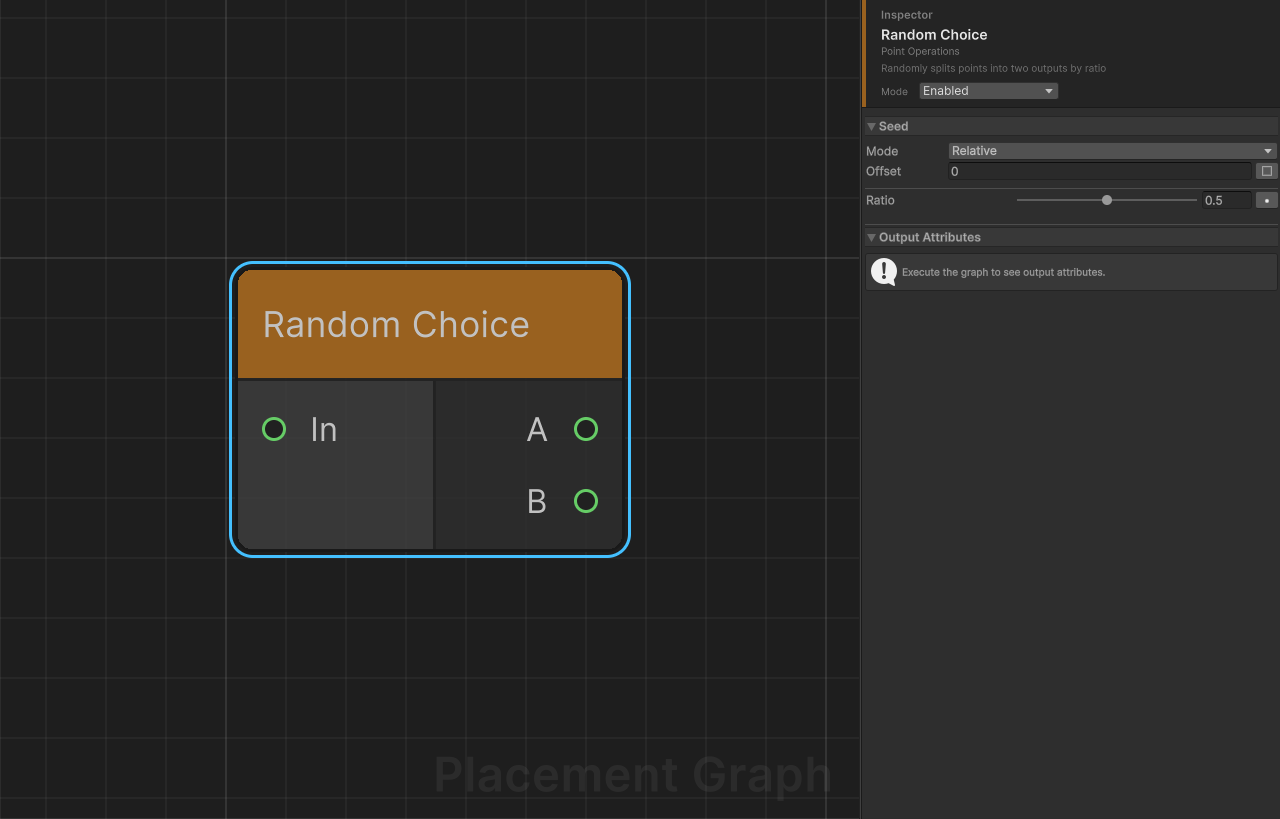
Description: Randomly routes each input point to either output A or output B using a seeded probability ratio.
Ports
| Name | Direction | Type | Notes |
|---|---|---|---|
| In | Input | Point | Points to split. |
| A | Output | Point | Points selected with probability ratio. |
| B | Output | Point | Points selected with probability 1 - ratio. |
Settings
| Field | Type | Default | Description |
|---|---|---|---|
ratio | float [0..1] | 0.5 | Probability that a given point goes to output A. Setting ratio = 0 sends everything to B; ratio = 1 sends everything to A. |
Notes
- Uses a seeded random value derived from both the node's seed and each point's individual
seedfield, so results are deterministic and stable even when the point set changes. - This node respects the graph's global seed (
UseSeed = true). Changing the seed produces a different split. Per-node seed offset can be configured in the inspector. - Use this node to assign points to different prefab categories or to create two distinct populations from a single scatter.
Self Pruning
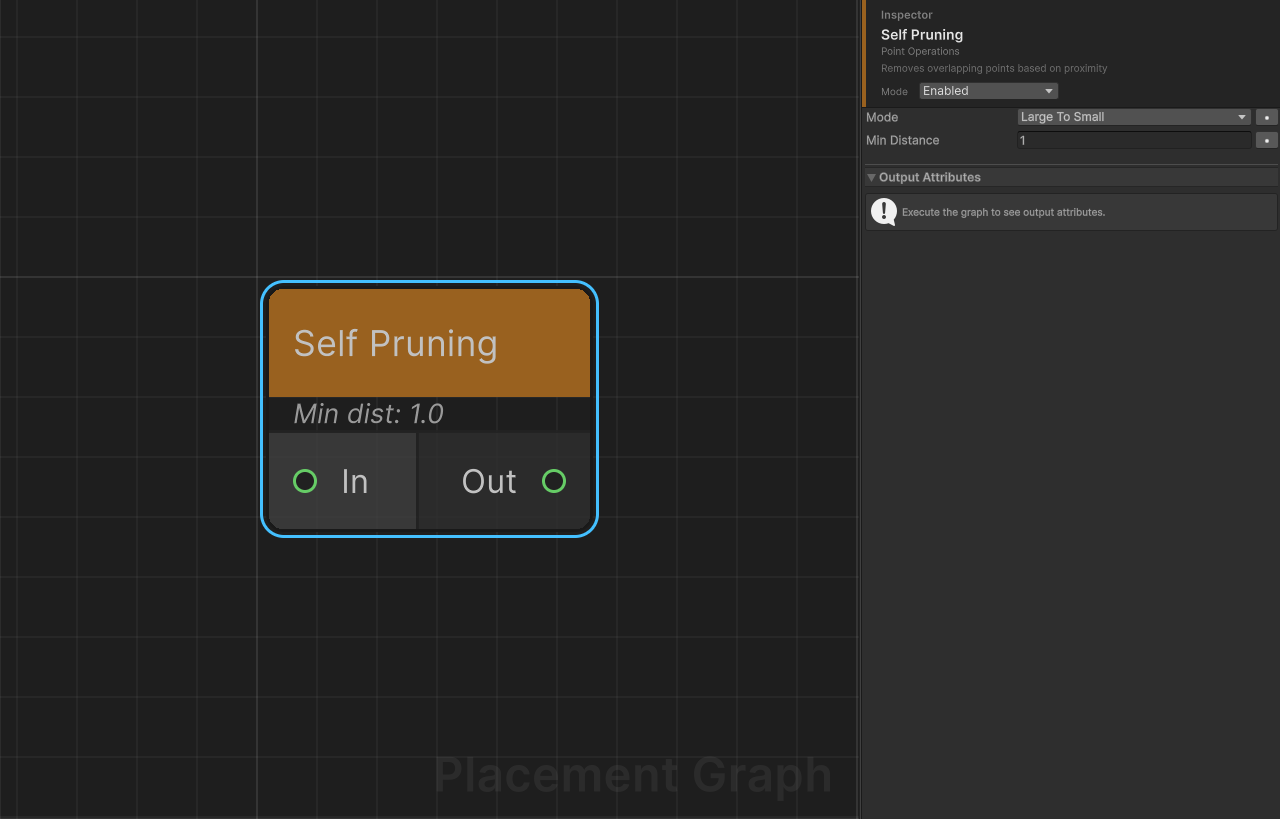
Description: Removes points that are too close to each other, using each point's bounds extent as a size proxy. Larger (or smaller) points win priority depending on the chosen mode.
Ports
| Name | Direction | Type | Notes |
|---|---|---|---|
| In | Input | Point | Points to prune. |
| Out | Output | Point | Pruned point set with overlapping points removed. |
Settings
| Field | Type | Default | Description |
|---|---|---|---|
mode | PruningMode | LargeToSmall | LargeToSmall: process points from largest to smallest bounds extent; larger points block smaller ones. SmallToLarge: process from smallest to largest; smaller points block larger ones. RemoveDuplicates: removes points within 0.001 units of each other regardless of size, using a spatial hash. |
minDistance | float | 1.0 | Minimum allowed world-space distance between any two kept points. Ignored in RemoveDuplicates mode (which uses a fixed threshold of 0.001). |
Notes
- All inputs are flattened into a single pool before pruning; the output is a single merged
PPGPointData. - Bounds extent (
size.x * size.y * size.z) is used as the sort key. Set bounds correctly with Bounds Modifier before this node. - Uses a Burst-compiled job for the distance/duplicate computation.
- LargeToSmall is the typical mode for vegetation: large trees block placement of smaller shrubs in their vicinity.
Transform Points
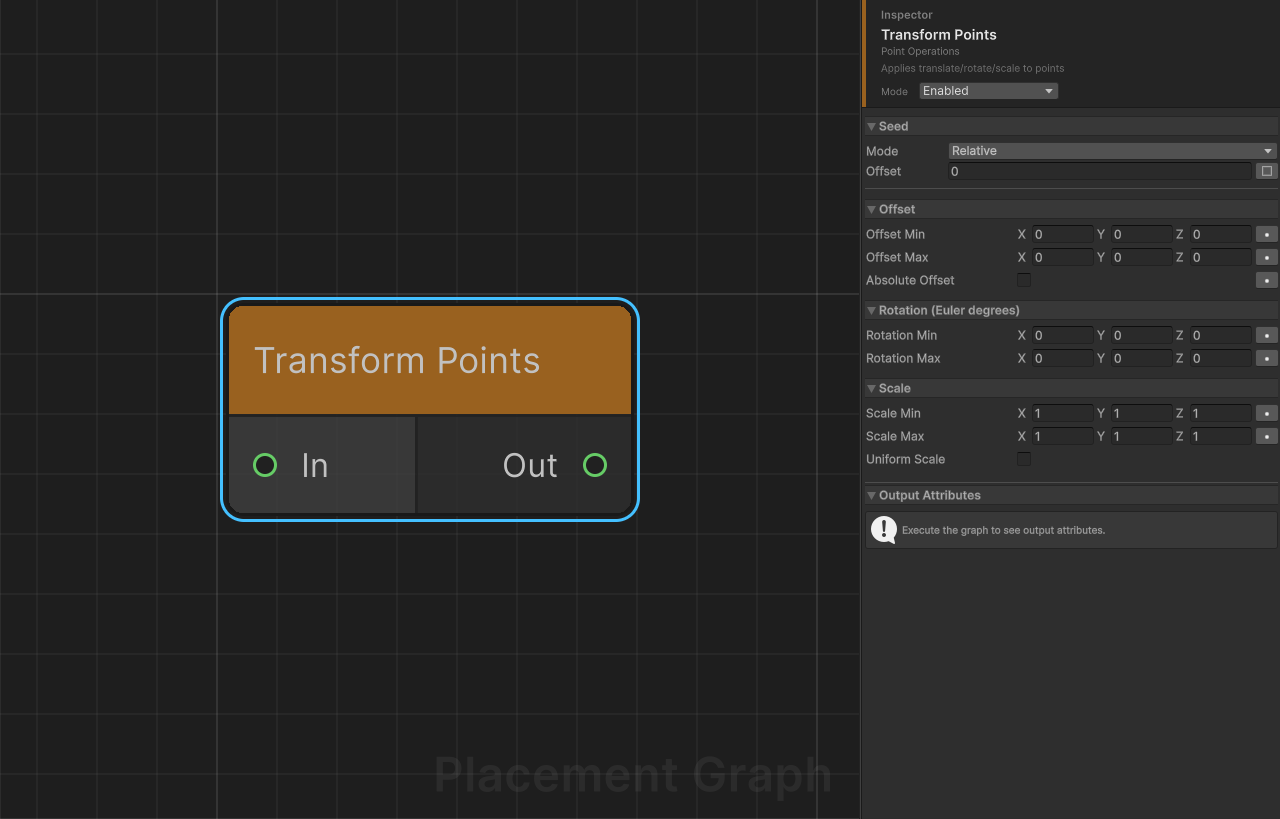
Description: Applies random or fixed translation, rotation, and scale to each input point. All three transforms can be specified as min/max ranges; a seeded random value is sampled per point within each range.
Ports
| Name | Direction | Type | Notes |
|---|---|---|---|
| In | Input | Point | Points to transform. |
| Out | Output | Point | Transformed points. |
Settings
Offset
| Field | Type | Default | Description |
|---|---|---|---|
offsetMin | Vector3 | (0, 0, 0) | Minimum translation per axis. |
offsetMax | Vector3 | (0, 0, 0) | Maximum translation per axis. |
absoluteOffset | bool | false | If true, the offset is applied in world space. If false, the offset is applied in the point's local space (relative to the point's own orientation). |
Rotation (Euler degrees)
| Field | Type | Default | Description |
|---|---|---|---|
rotationMin | Vector3 | (0, 0, 0) | Minimum rotation (degrees) per axis. |
rotationMax | Vector3 | (0, 0, 0) | Maximum rotation (degrees) per axis. |
Scale
| Field | Type | Default | Description |
|---|---|---|---|
scaleMin | Vector3 | (1, 1, 1) | Minimum scale per axis. |
scaleMax | Vector3 | (1, 1, 1) | Maximum scale per axis. |
uniformScale | bool | false | If true, only the X component of scaleMin/scaleMax is used, and the same value is applied to all three axes. |
Notes
- This node respects the graph's global seed (
UseSeed = true). Changing the seed changes all random offsets/rotations/scales. Per-node seed offset can be configured in the inspector. - Setting
offsetMin == offsetMax(per axis) produces a fixed, non-random offset on that axis. - Setting
rotationMin == rotationMaxproduces a fixed rotation. A common setup isrotationMin.y = 0, rotationMax.y = 360for random yaw. - Uses a Burst-compiled parallel job, making it efficient for large point counts.
- The transform is applied on top of the existing point transform, not as a replacement.