Appearance
Debug Nodes
Debug nodes help you inspect intermediate data flowing through a graph without affecting the final output. They are primarily useful during development and should generally be removed or disabled before shipping.
Debug Points
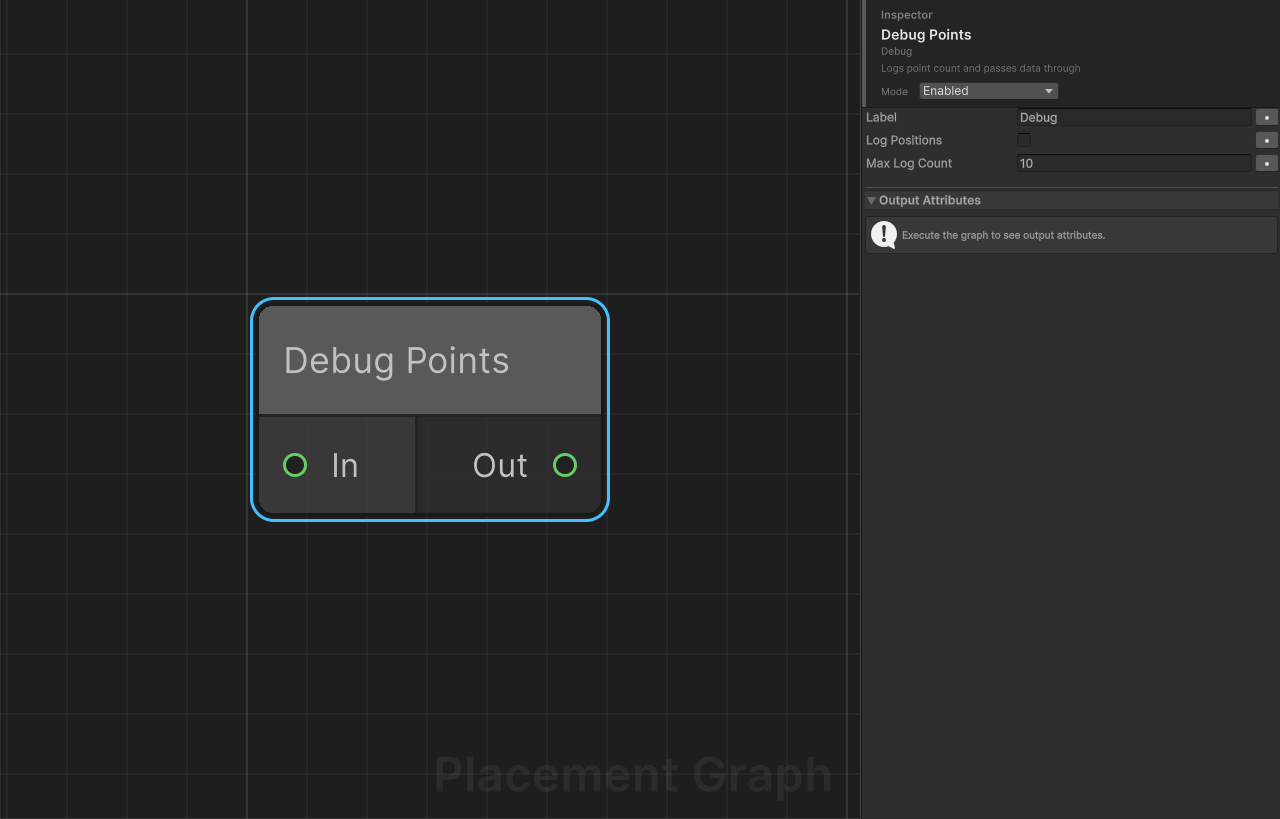
Category: Debug
Description: Logs point count (and optionally individual point positions) to the Unity Console, then passes all data through unchanged.
Ports
| Direction | Name | Type |
|---|---|---|
| Input | In | Point |
| Output | Out | Point |
Settings
| Field | Type | Default | Description |
|---|---|---|---|
label | string | "Debug" | Prefix string added to every log message, allowing you to distinguish output from multiple Debug Points nodes. |
logPositions | bool | false | When enabled, logs the world position and density of each individual point (up to maxLogCount). |
maxLogCount | int | 10 | Maximum number of individual point entries logged when logPositions is true. A summary line is appended when the actual count exceeds this value. |
Log Output Format
Total count message (always emitted):
[PPG Debug:<label>] Total points: <N>Per-point messages (when logPositions is true):
[PPG Debug:<label>] Point[<i>] pos=(<x>, <y>, <z>) density=<d>Overflow message (when point count exceeds maxLogCount):
[PPG Debug:<label>] ... and <remainder> moreNotes
- The node is a true pass-through: input data objects are forwarded directly to Out without copying or modification.
- Log messages are emitted via
UnityEngine.Debug.Logand appear in the Unity Console. They are visible in both Editor and development builds. - Because the same
PPGPointDatareference is forwarded, downstream nodes see exactly the same data that was inspected. - If multiple
PPGPointDataobjects arrive on In (e.g. from a merge), each is logged and passed through separately. TheTotal pointscounter accumulates across all inputs. - Setting
maxLogCountto0logs only the total count summary even whenlogPositionsis true. - High
maxLogCountvalues with large point sets can cause significant Console spam. Keep the default of10for general inspection.